KDP Keyword Policies & Best Practices for Puzzle Books
Amazon KDP keyword rules for puzzle books: seven-field limits, stuffing risks, platinum-keyword myths, and where to do research vs paste , without duplicating niche guides.
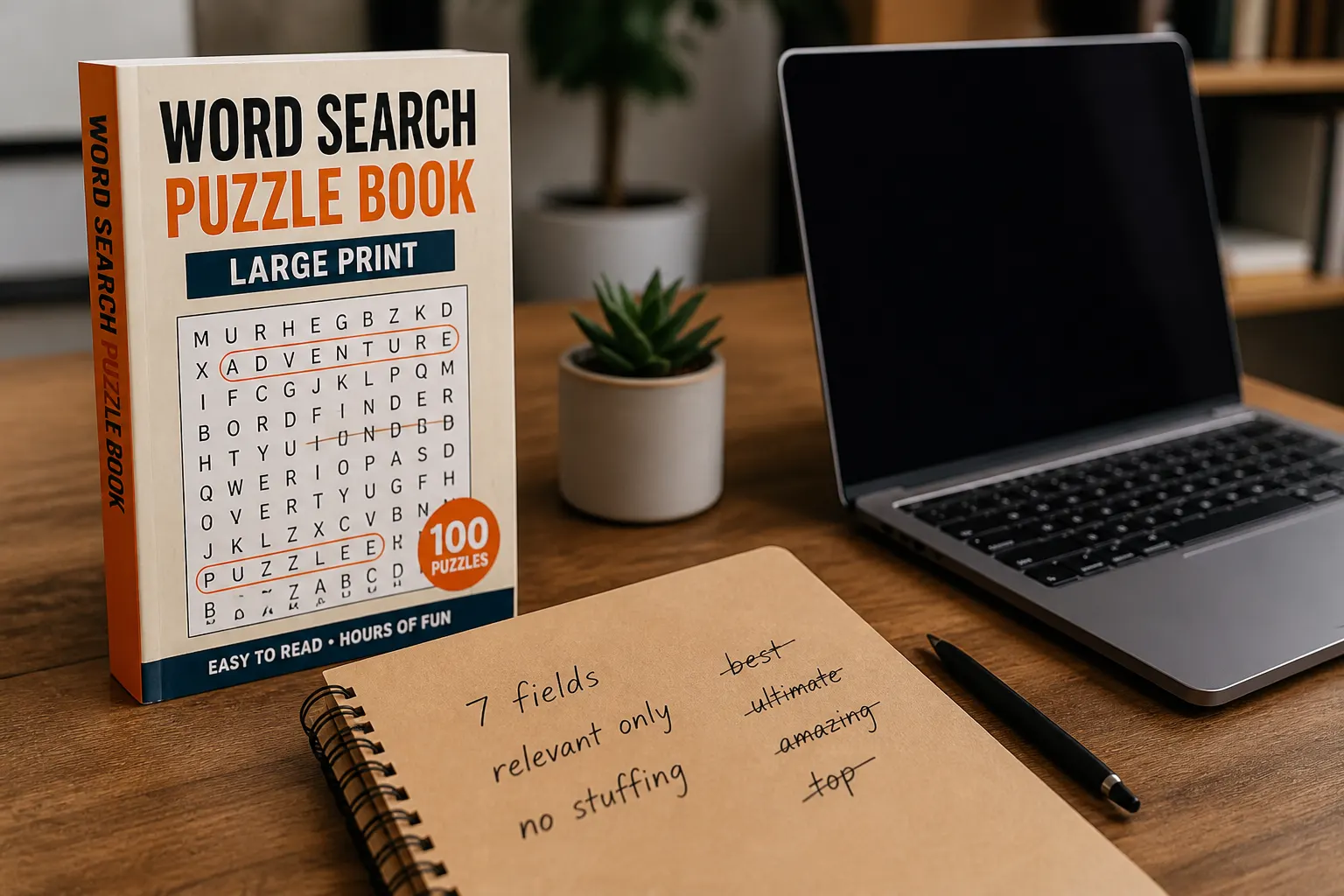
Amazon KDP keyword fields are easy to waste and hard to recover once the listing has trained on the wrong traffic. This guide covers how many keywords Amazon allows, what people mean by Amazon platinum keywords, why keyword stuffing and irrelevant keywords hurt conversion, and how the Amazon algorithm uses relevance signals you actually control. Use it with the keyword research tool and the backend keywords tool so research and paste-ready fields stay in one workflow.
The goal is not a longer keyword list. The goal is seven honest phrases that match the book a shopper opens after the click. Puzzle and activity books win when title, subtitle, description, categories, and backend fields tell the same story: puzzle type, audience, print format, and theme.
See also: niche competition analysis, reading BSR during research, and on-page keyword placement.
How many keywords does Amazon allow on KDP?
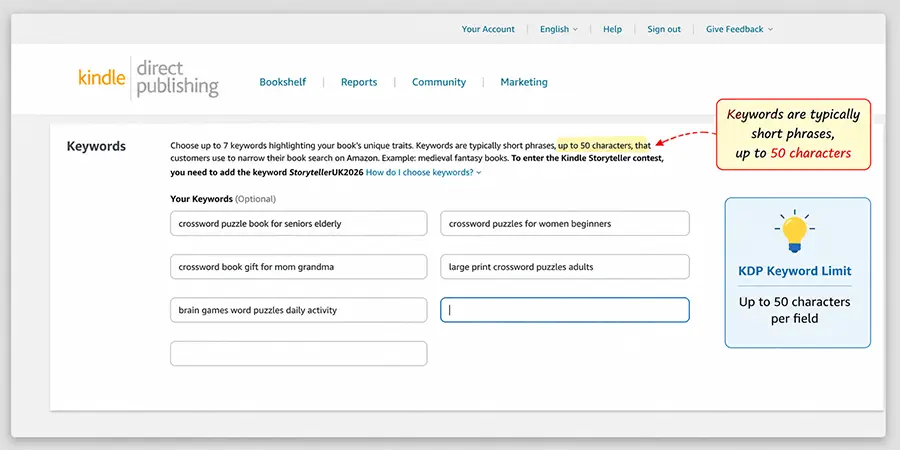
KDP gives you seven backend keyword fields. Each field is commonly treated as a 50-character line, including spaces. That is the practical limit publishers mean when they ask how many keywords Amazon allows. Title, subtitle, and description are also indexed. Do not spend backend slots repeating the exact title phrase Amazon already has.
You are not filling 7,000 secret tags. Seven focused phrases beat a wall of synonyms that say the same thing. Count characters carefully: compound phrases like “large print word search for seniors” already consume most of one field. Split only when each half still makes sense as a search query on its own.
Treat the seven fields as a budget. If field one carries audience + format, field two should add theme the title did not fully cover, not another copy of the same roots. Empty is cleaner than filler. Amazon does not reward you for using every character of every box.
Amazon platinum keywords: the myth vs the useful idea
“Amazon platinum keywords” is not an extra KDP box Amazon gives you after a hidden application. Older forum language and outdated blog posts used “platinum” as a nickname for high-converting, highly relevant search terms: the phrases shoppers actually type that match the book. Treat platinum as a quality bar, not a secret program.
A platinum-quality phrase is specific, honest, and buyer-shaped: “large print word search for seniors” beats “best book ever puzzles fun.” Put the best phrase in the title or subtitle when it reads naturally. Put supporting variants in backend fields. If a phrase would surprise a buyer who opens the look-inside, it is not platinum, it is bait.
Build a short “platinum shortlist” of three to five phrases before you design the cover. Those phrases should appear somewhere in the listing stack: title, subtitle, description bullet, or backend. Spreading one strong phrase across every slot is not coverage. Coverage means different buyer angles that still describe the same product.
Keyword stuffing and irrelevant keywords
Keyword stuffing is repeating the same root phrase, packing competitor author names, or listing unrelated categories hoping for stray traffic. Irrelevant keywords are phrases for a book you did not write: “coloring book” on a crossword, “Kindle Unlimited romance” on a paperback maze book.
Amazon’s metadata rules prohibit misleading keywords. Even when a stuffed field slips through, the Amazon algorithm learns from clicks and returns. Traffic that bounces trains the listing to show up less. Short-term impressions are not a win. Competitor brand names, celebrity names, and “free Kindle” style spam belong nowhere in backend fields.
A practical test: read each backend field aloud as if it were a search box. Would you be satisfied if that search returned your book? If not, delete it. Another test: would you put that phrase on the cover? If you would be embarrassed to print it, do not hide it in backend keywords.
How the Amazon algorithm uses your keywords
Amazon matches shopper queries to listing text, backend terms, sales, conversion, and customer behavior. You cannot “hack the algorithm” with a magic string. You can make matching easier: one clear primary phrase, supporting synonyms, accurate categories, and a cover that converts the click.
Relevance is trained after publish. If ads send “kids maze” traffic to a seniors large-print word search, the listing learns the wrong neighbors. Align ad keywords with backend language. Research comparative ideas in RodBooks keyword research (15 structured phrases with placement guidance). Then draft the seven fields in backend keywords and edit them yourself. Neither tool scrapes live Amazon volume. You still validate on the store with autocomplete and competing listings.
Workflow: alphabet drill to seven paste-ready fields
Use this publisher workflow every time you start a new puzzle niche. It keeps research honest and stops you from inventing keywords after the cover is already designed.
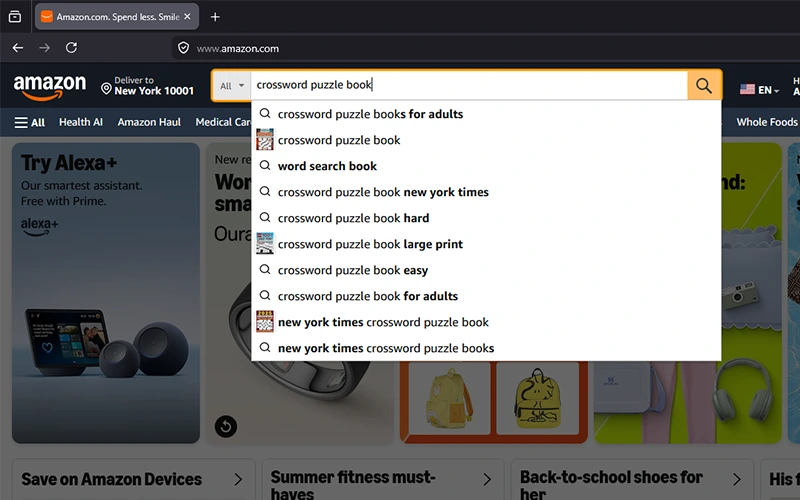
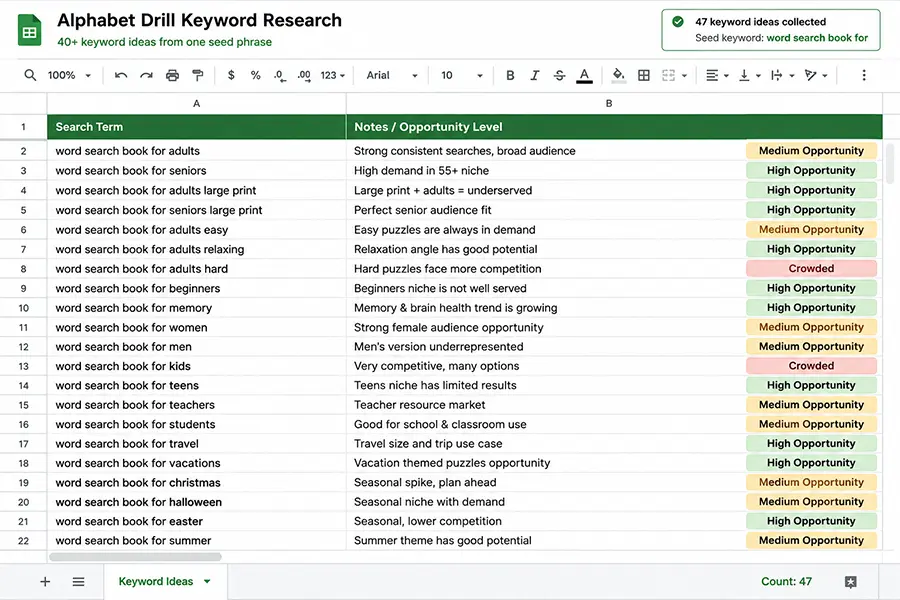
- Open Amazon search on the marketplace you sell on. Type a seed phrase plus a-z (and common second letters) to capture autocomplete suggestions buyers actually see.
- Copy suggestions into a working sheet. Mark each row as title-safe, subtitle-safe, description-only, backend-only, or reject.
- Reject anything the interior does not deliver: wrong age, wrong puzzle type, “coloring,” competitor series names, or gift claims you will not print.
- Run the shortlist through RodBooks keyword research for placement guidance and to expand related angles without inventing volume numbers.
- Draft seven backend fields in the backend keywords tool. Cap each line near 50 characters. Prefer multi-word buyer phrases over single vague nouns.
- Paste into KDP. Re-read title + subtitle + seven fields as one paragraph. Delete duplicates. Publish, then revisit after the first ads or organic search term report.
For competition context and niche selection before you lock keywords, see KDP keyword research for profitable niches. For field-by-field paste examples aimed at puzzle books, see how to write backend keywords for puzzle books.
A practical seven-field split for puzzle books
- Audience + format (seniors large print word search).
- Theme the title did not fully cover (ocean animals, nursing vocab).
- Use case (travel, classroom, rainy day).
- Gift or occasion language if true and printed on the cover or description.
- Alternate spelling or plural the title omitted.
- Related puzzle type only if the book actually includes it.
- One long-tail the research report flagged as backend-only.
Leave a field empty rather than filling it with junk. If you publish a series, keep a shared keyword bank per niche and adjust only the theme or volume-specific angle so Volume 2 does not silently drop a useful synonym.
Title, subtitle, description, then backend
The Amazon algorithm does not need the same phrase in every slot. Put the primary buyer phrase in the title if it reads like a product name. Use the subtitle for audience, print size, or puzzle count. Use the description to explain what is inside. Use backend fields for synonyms and angles the shopper might type that you did not want on the cover.
If you paste the same five words into all seven fields, you have not added coverage. You have repeated yourself. If you add “bestseller,” “free,” or another publisher’s series name, you have added risk. Keep a working document of phrases you tested so Volume 2 does not silently drop a useful synonym. Revisit the seven fields whenever you change the subtitle or add a new puzzle type to the series.
Connect keywords to marketing and categories
Keywords only help if shoppers who arrive stay. Marketing should reuse the same language: how to market your KDP book. Categories should match the puzzle type those keywords describe, use the KDP category finder after the shortlist is locked, not before. Ads exact-match campaigns should start from the same platinum shortlist, not from a separate brainstorm that contradicts the listing.
When a search term report shows converting phrases you never put in backend fields, promote the best ones into an empty field or into the subtitle on the next revision. When a phrase burns budget with no sales, negative it in ads and remove it from backend if you stuffed it there hoping for volume.
Character discipline and phrase packing
Each backend field is a short line, not a paragraph. Prefer natural multi-word queries over comma-separated single words that Amazon already derives from stems. “large print crossword puzzles seniors” is one shopper thought. “crossword, puzzles, seniors, large, print, book, activity” burns the same characters on noise Amazon can already infer from the title.
Avoid stacking near-duplicates across fields: “word search for adults,” “adult word search book,” and “wordsearches for adults” waste three slots on one idea. Keep one adult/word-search field, then use the remaining slots for theme, use case, gift angle, or an honest secondary puzzle type. If you publish bilingual or UK/US spelling variants, put the alternate spelling in one field only when the book truly serves that market.
After paste, screenshot the seven fields into your project folder next to the interior PDF. When you revise the subtitle six weeks later, you will not guess what Amazon still has indexed. That archive also helps if you hire a VA: they edit from your shortlist instead of inventing stuffed phrases overnight.
Series and seasonal keyword hygiene
Series books should share a stable core (puzzle type + audience + format) and rotate only the theme or season field. Christmas Volume 1 and Easter Volume 2 should not pretend to be different formats. Seasonal keywords belong in backend and subtitle when the cover art matches; leave them off evergreen reprints so January shoppers are not sold a holiday leftover.
Before each seasonal push, re-run the alphabet drill for the holiday seed and retire last year’s phrases that no longer match the new word list. Marketing and ads should pull from the same revised shortlist so organic and paid traffic stay aligned with your KDP marketing sequence.
Frequently asked questions
Are Amazon platinum keywords a real KDP feature?
No extra field. People use the phrase for high-relevance search terms. Put those in title, subtitle, or backend only when they describe the book.
How many keywords does Amazon allow besides the seven fields?
The seven backend fields are the dedicated keyword slots. Title, subtitle, and description also contribute searchable text. There is no unlimited hidden keyword dump.
Does keyword stuffing help the Amazon algorithm?
No. Repetition and irrelevant terms waste characters and can violate metadata rules. Relevance plus conversion is what lasts.
Should every research idea go into backend keywords?
No. The research tool is for comparison. The backend tool is for seven honest phrases. Avoid anything the book does not deliver.
Start publishing free: create a RodBooks account and run keyword research, then fill seven backend fields you are willing to stand behind.