How to Create Word Search Books for Amazon KDP (Step-by-Step)
Foundational guide to creating word search books for Amazon KDP: niche selection, word lists, batch generation, trim size, solutions, covers, listings, and series planning.
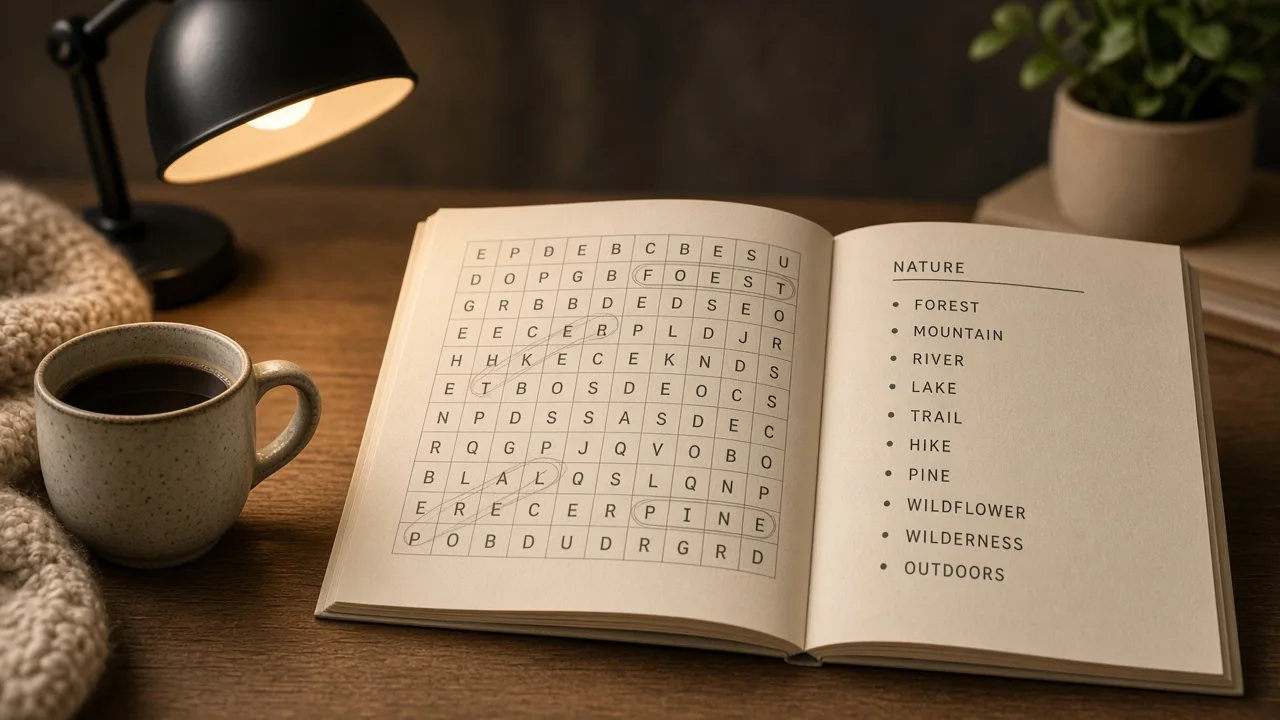
For KDP publishers: This is the foundational guide to creating and publishing word search books on Amazon KDP , niche selection through print-ready PDF. It is not a free printable download guide. For large-print senior specs, see the large-print word search playbook. For batch generation, use the word search generator for KDP.
Word search remains one of the fastest puzzle formats to publish because buyers instantly understand the product. Success comes from matching theme, trim size, puzzle count, and solutions to one audience , not from shipping a generic “word search for everyone” book.
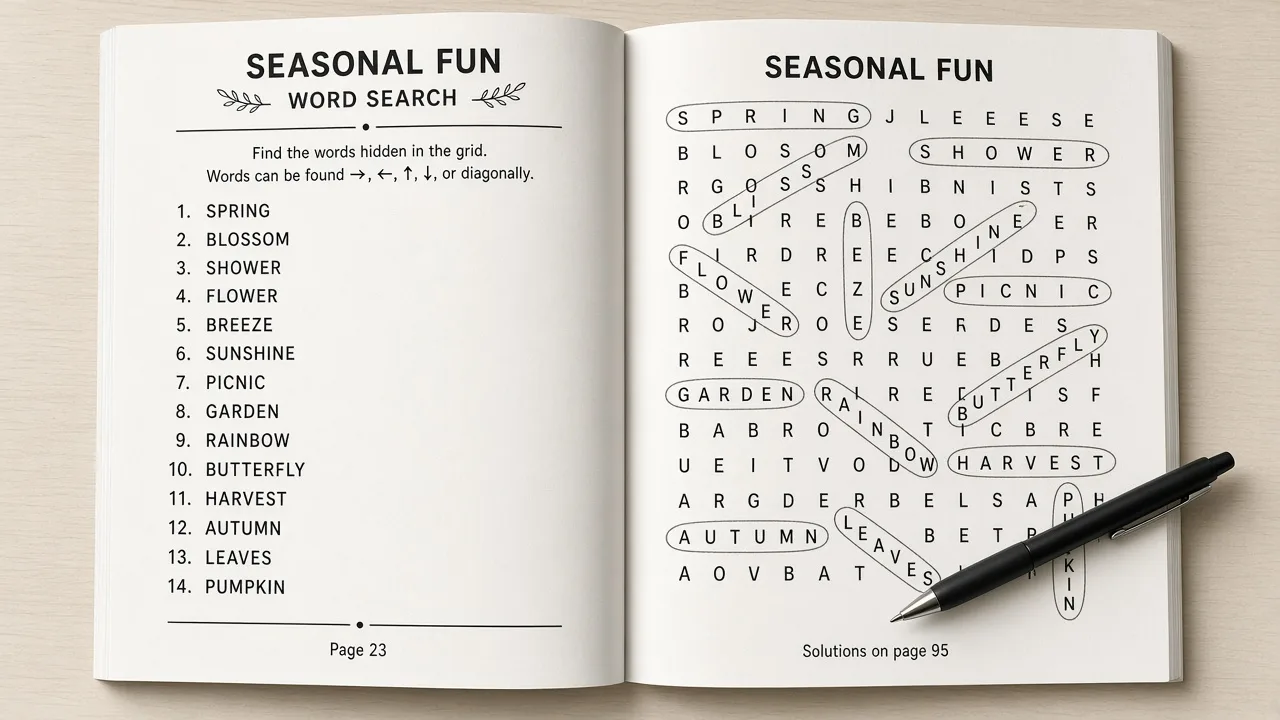
See also: crossword books in the same niche, and Sudoku volumes for cross-sell.
Why start with word search books on KDP
- Buyers recognize the format , less education needed in the listing
- Themed volumes (hobbies, holidays, travel) map cleanly to series
- Production scales with word lists and batch generators, not manual layout
- Trim sizes are flexible: 6×9 travel editions or 8.5×11 spacious layouts
Crossword and sudoku have loyal buyers too, but word search is usually the shortest path from idea to a live ASIN. Compare formats in low-content puzzle books on Amazon KDP if you are still choosing your first niche.
Step 1: Lock the niche before you generate grids
Write a one-line brief: audience, theme, trim size, and puzzle count. Validate with Amazon autocomplete and the top three competing listings. Use Amazon search suggestions for niche research for the manual workflow, then score gaps with competition gap analysis.
Pick one primary keyword phrase and keep it visible on the cover and in the subtitle. The keyword research tool helps compare placement across title, subtitle, description, and backend fields.
Step 2: Build word lists that match the cover promise
Group 12-20 solid words per standard puzzle. Themed chapter books use topic headers so each puzzle feels intentional , ocean animals, nursing vocabulary, camping, holidays. For theme ideas and seasonal angles, read word lists and themes that sell on KDP.
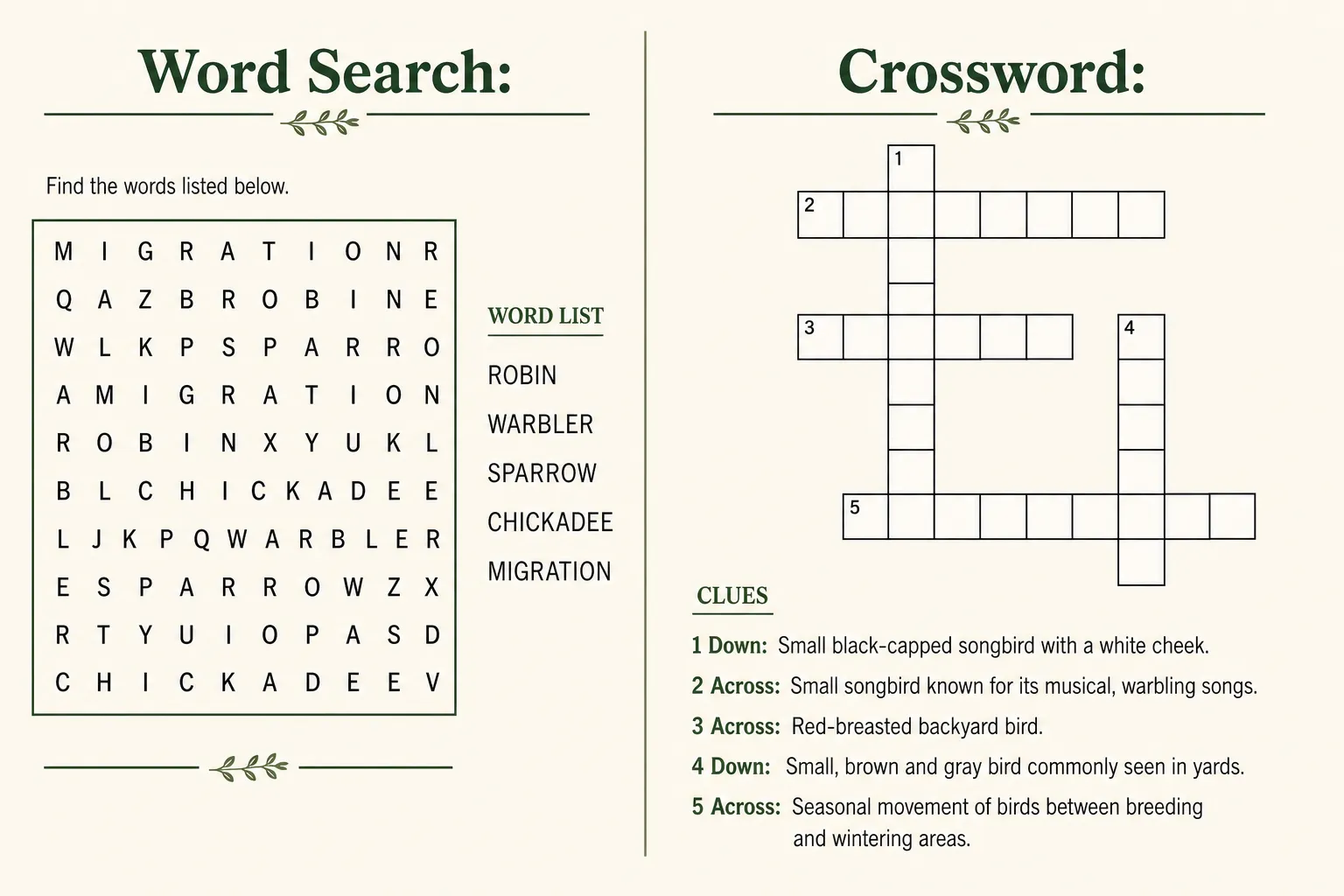
Avoid obscure vocabulary unless the niche expects it. Consistency across the book matters more than stuffing rare words. Store lists in a spreadsheet so Volume 2 reuses the same structure.
Step 3: Generate puzzles and solution pages
Manual grid layout does not scale past a handful of pages. Batch-generate puzzles, export solutions, and spot-check placement on random samples. Number every puzzle and keep solution indexes aligned , buyers notice broken keys immediately.
Open the RodBooks word search generator to compile shaped grids, topic chapters, front matter, and answer keys into one print-ready PDF. For buyer expectations on answer keys, see solutions pages for KDP puzzle books.
Trim and layout decisions (general audiences)
| Trim | Typical use | Grid notes |
|---|---|---|
| 6 × 9 in | Travel, gift, compact editions | 15×15 or 20×20 grids; denser puzzle count |
| 8.5 × 11 in | Spacious layouts, classroom packs | Room for bigger letters or more whitespace |
Large-print senior books need different specs , lower grid density, bigger letters, fewer puzzles per page. Do not copy standard 6×9 settings and call it large print. Follow the large-print seniors playbook when that is your audience.
Step 4: Format the interior for KDP
Choose trim before you design page masters. Keep grids inside safe margins, embed fonts, and export a single PDF. Most word search interiors use no-bleed pages with a full-bleed cover wrap. See bleed vs no bleed for KDP and interior formatting for puzzle books.
Lock page count before you size the cover. Title page, copyright, instructions, puzzles, and solutions all count. Use how many puzzles a KDP book should have to balance value and print cost.
Step 5: Cover, listing, and upload
- Design a thumbnail-readable cover: “Word Search,” theme, and puzzle count in large type
- Write title and subtitle with the primary keyword phrase
- Draft description bullets with the description generator or formula guide
- Fill seven backend keyword fields without repeating the title verbatim
- Choose categories that match puzzle type and audience
- Upload interior and cover PDFs; walk KDP Previewer on phone and desktop
Wrap width depends on trim and page count , use the KDP cover size calculator guide and cover designer after the interior PDF is final.
Common mistakes that kill reviews
- Too few puzzles for the list price
- Duplicate puzzles across series volumes
- Large-print claims with tiny grid letters
- Uploading before proofing every solution page
- Vague covers that hide the theme
- Mismatched ad or TikTok language vs the listing promise
Scale with series after Volume 1
Once the first title sells, ship themed sequels and seasonal variants. Reuse front matter, solution layouts, and cover templates. Track which subtitles and covers earned clicks, then compound learnings in Volume 2. For launch timing, see seasonal puzzle book calendar for KDP and the full niche-to-listing one-week workflow.
Frequently asked questions
How many word search puzzles should a KDP book include?
Many sellers aim for 80-150 puzzles depending on price and trim size. Study competitors in your exact niche and match or beat their value without unreadable tiny grids.
Do I need solutions pages in a word search book?
Yes for most adult audiences. Clear answer keys reduce returns. Kids books sometimes place answers upside-down at the back , still include them.
What trim size works best for word search books?
6×9 for portable gift editions; 8.5×11 when you need spacious grids or large-print layouts. Pick one size per series so buyers know what they reorder.
Should I use the generator or build grids manually?
Manual works for samples; batch publishing needs a generator that exports one KDP-ready PDF with numbering and solutions aligned.
Is this the same as the large-print seniors guide?
No. This guide covers the general publishing workflow. Senior large-print specs , font sizes, grid density, and listing copy , live in the dedicated seniors playbook.
Start publishing free: Create word search puzzles in RodBooks for your next Amazon KDP book, or create a RodBooks account and ship a print-ready PDF this week.