How to Create Dot-to-Dot Books for Amazon KDP (Connect-the-Dots Guide)
How to create connect-the-dots (dot-to-dot) books for Amazon KDP: kids niches, difficulty levels, interiors, solutions, covers, listings, and batch publishing workflow.
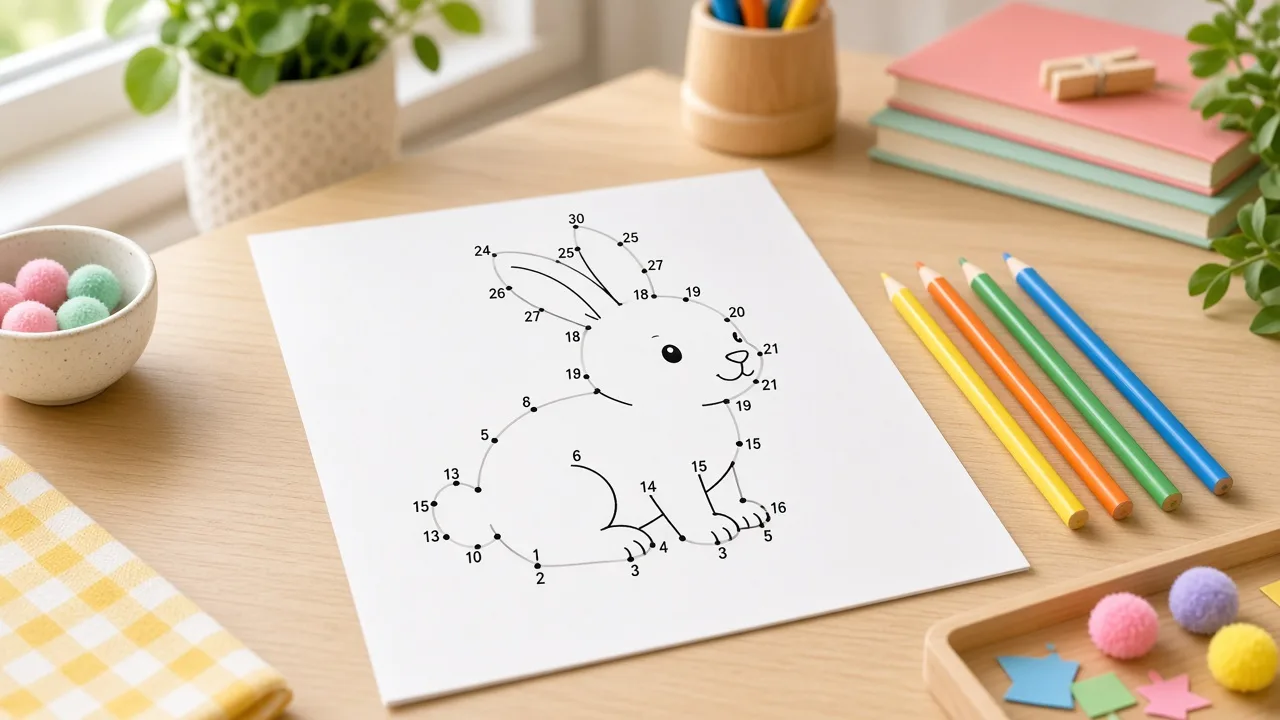
For KDP publishers: This guide covers how to create dot-to-dot books (connect-the-dots) for Amazon KDP , niche selection, difficulty levels, print-ready interiors, solutions, covers, and listings. It is not a free printable download page. RodBooks includes dot-to-dot book compilation in the studio after you create an account.
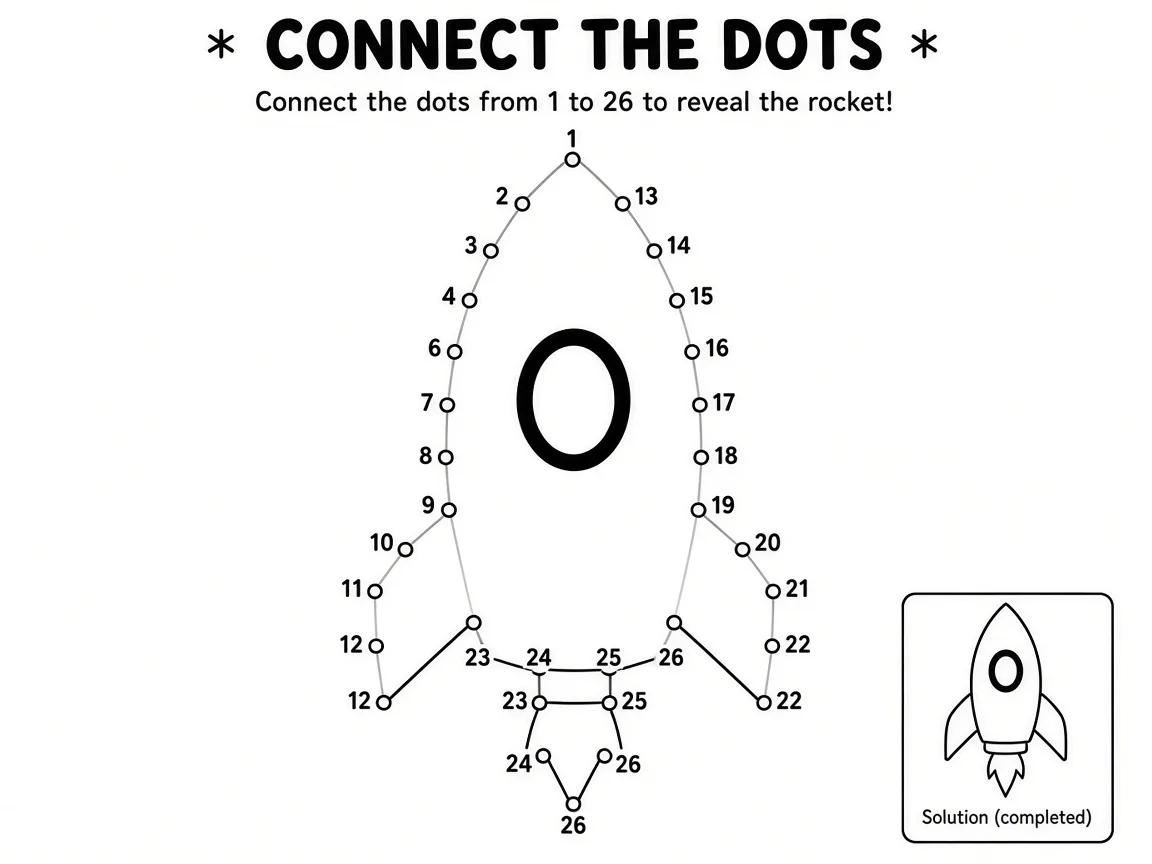
Connect-the-dots books sit between coloring books and maze activity books: kids trace numbered dots to reveal a picture. On KDP, they work best when difficulty matches the age on the cover and every puzzle includes a clear solution page.
See also: kids activity book series.
Why dot-to-dot books work on Amazon KDP
- Parents and gift buyers search “dot to dot books” and “connect the dots” by age band
- Black-and-white interiors keep print costs predictable on KDP paperbacks
- Animal, vehicle, and holiday themes map cleanly to series volumes
- Combo activity books (dot-to-dot + mazes) can raise perceived value when the cover is honest
Compare format economics in low-content puzzle books on Amazon KDP and production speed vs maze activity books or word search books.
Pick an audience before you draw dots
State the age range on the cover and deliver it inside. A “Ages 4-6” book with 50-dot expert puzzles creates returns. Common KDP positioning:
| Audience | Typical dot count | Cover promise |
|---|---|---|
| Preschool / ages 3-5 | 10-15 dots (easy) | Simple shapes, thick numbering |
| Kids ages 6-8 | 16-25 dots (medium) | Animals, vehicles, basic scenes |
| Older kids / tweens | 26-40 dots (hard) | Detailed scenes, smaller numbering |
| Mixed gift editions | Graduated difficulty | “Mixed levels” or progressive book |
Step 1: Validate the niche on Amazon
Search “dot to dot books for kids,” your theme (dinosaurs, unicorns, trucks), and age phrases. Read three-star reviews for complaints about dot size, numbering, or missing solutions. Use Amazon search suggestions to harvest autocomplete seeds, then keyword research for placement across title, subtitle, and backend fields.
Step 2: Plan puzzle count and trim size
Kids activity books often ship 30-80 connect-the-dots puzzles depending on trim and price. Lock trim before layout:
- 8.5×11 , room for bigger dots and numbering (common for younger kids)
- 6×9 , travel-size gift editions with tighter layouts
See best KDP trim sizes for activity books and run royalty calculator after you know page count.
Step 3: Generate puzzles and solution pages
Hand-drawing dozens of connect-the-dots pages does not scale. Batch-generate numbered puzzles, export matching solution overlays, and spot-check that dot order is unambiguous. Number every puzzle and keep solution indexes aligned , the same discipline as solutions pages for KDP puzzle books.
In RodBooks, open the dot-to-dot compiler after signup: set difficulty (easy through expert or mixed), puzzle count, 6×9 or 8.5×11 trim, then export one print-ready PDF with front matter and answer keys.
Step 4: Format interiors for KDP
- Keep dots and numbers inside KDP safe margins , especially on 6×9
- Use consistent line weight so dots print clearly on cream or white paper
- Add title page, copyright block, and optional instructions page
- Place solutions at the back with the same puzzle numbers as the interior
- Export a single embedded-font PDF and review in KDP Previewer
Interiors are usually no-bleed; covers use full wrap bleed. See bleed vs no bleed for KDP and interior formatting basics.
Step 5: Cover, listing, and upload
Thumbnail readability wins in kids categories. Put “Dot to Dot” or “Connect the Dots,” the theme, age range, and puzzle count in large type. Write bullets that match the interior , dot counts, trim size, and whether solutions are included.
Draft listing copy with the description generator or description formula. Size the wrap with cover size calculator guide after page count is final.
Combo books and series planning
Some publishers mix dot-to-dot with mazes or word searches. That can work when the cover shows every format inside. Pure connect-the-dots books are simpler to market. For maze pairing, read how to create maze activity books for KDP. For launch timing across holidays, use the seasonal puzzle book calendar.
Common mistakes that hurt reviews
- Dots too small or numbers too faint to read after print
- Skipping solution pages entirely
- Age range on cover does not match puzzle difficulty
- Duplicate puzzles across series volumes
- Uploading before checking look-inside on a phone screen
Frequently asked questions
Are dot-to-dot books the same as connect-the-dots books?
Yes , shoppers use both phrases. Pick one primary term for the title and place the other in subtitle or backend keywords.
How many dots should a kids KDP puzzle include?
Easy pages often use 10-15 dots; medium 16-25; hard 26-40; expert 41-60. Match the band to the age you advertise.
Do dot-to-dot books need color interiors?
No. Black-and-white interiors are standard on KDP and keep print cost lower. Color belongs on the cover.
Can I publish dot-to-dot on KDP without a connect-the-dots generator?
You can draw pages manually for a small book, but series publishing needs batch generation and aligned solution pages. RodBooks compiles dot-to-dot interiors after signup.
How is this different from maze books?
Dot-to-dot reveals a picture through numbered dots. Mazes are path-finding puzzles. Market them separately unless the cover clearly advertises a combo book.
Start publishing free: Create a RodBooks account to compile dot-to-dot books for Amazon KDP, or explore maze and word search generators for mixed activity catalogs.